Kodexai
A calm, developer-first Framer template for API products, with docs, changelog, integrations and status pages built in.
Or get this and every other template for $99 with the All-Access Pass.
About this template
Kodex — a Framer template for API and developer-tool products
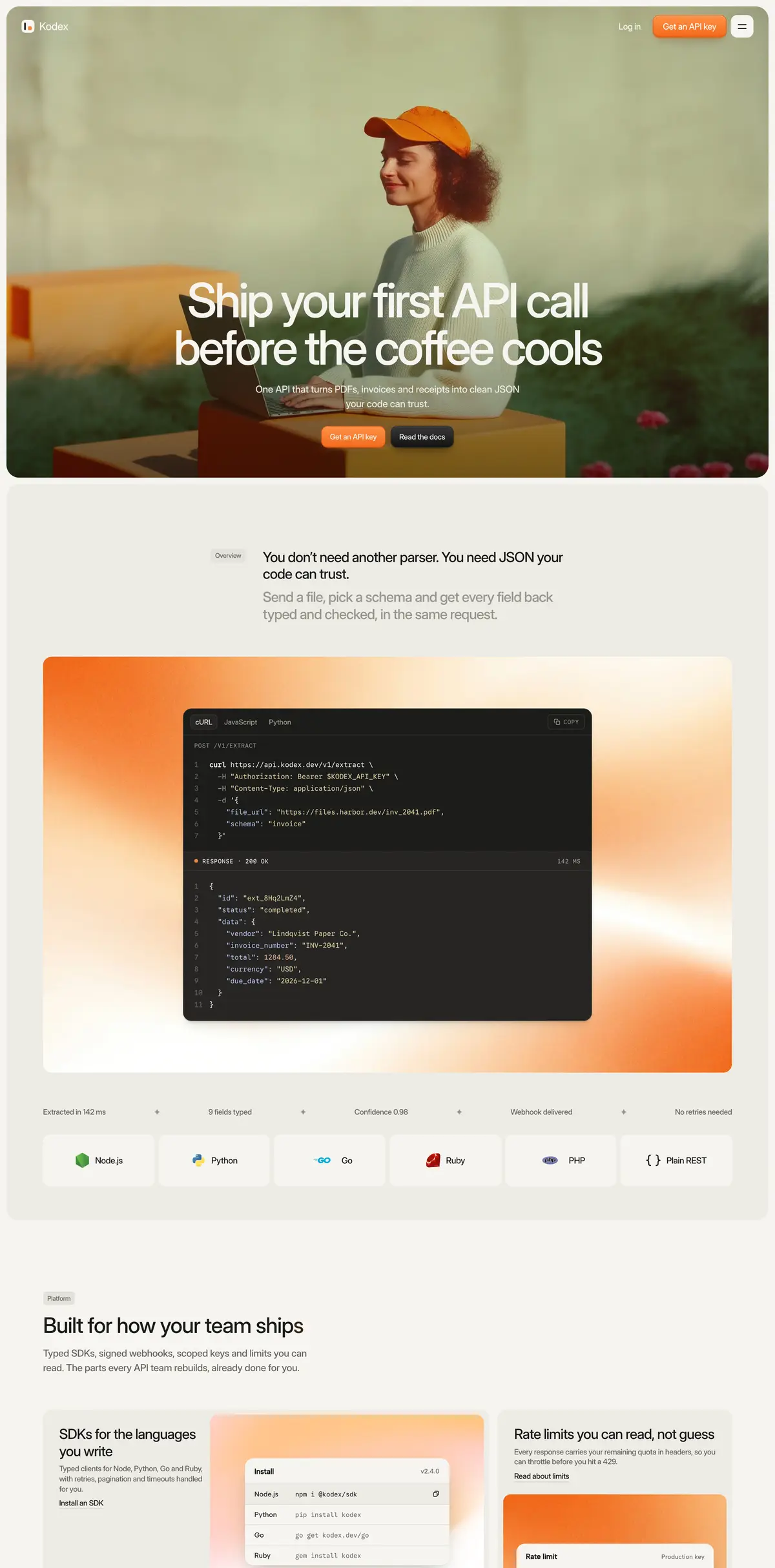
Kodex is built for teams that sell to developers. It looks calm and warm instead of neon, and every page has a job: get someone from "what is this?" to their first API call.
The demo product is a document-extraction API, but the structure fits any developer product: SDKs, webhooks, auth, AI APIs, data tools, infrastructure.
Pages (13)
- Home: hero, code demo with cURL / JavaScript / Python tabs, SDK logos, feature bento, 4-step "how it works", changelog preview, customer stories, pricing, testimonials, FAQ and CTA
- Pricing: plans, comparison table and a worked billing example
- Docs: a working search (⌘K / Ctrl+K, arrow keys, Enter), popular guides, quickstarts and SDK libraries
- Changelog + Changelog entry (CMS): breaking-change notice, filter by type, email subscribe
- Integrations + Integration detail (CMS): featured tools, filter by category, setup steps
- Status: per-service uptime bars for the last 90 days with incident details on hover
- Log in and Sign up
- Privacy, Terms and a 404 page
What's inside
- 3 breakpoints (desktop, tablet, phone), each laid out on its own
- Colour styles and text styles for the whole site. Change the brand colour once and it updates everywhere
- 2 CMS collections: Changelog and Integrations
- Original brand logos for every integration
- Filters that work on the first click and keep the choice in the URL, so a filtered view can be shared
- Menu with a letter-roll hover, a hide-on-scroll header and a progressive blur behind it
- Footer with a large fading wordmark
- Show / hide password on the login and sign-up forms, and correct autofill for email and password
- Clean layer names and property controls on every code component
Before you go live
- Forms: set a destination for the subscribe and contact forms (Framer → select the form → Destination). They are left empty so submissions go to you, not to us.
- Log in / Sign up: these pages are a design, not a working login. Point the buttons at your real app, or connect your auth provider.
- Content: replace the demo product name, numbers and customer stories with your own.
Support
Questions or a bug? Email support@pixels71.com and we'll reply within one business day.