6 min readPixels71
7 SaaS landing page patterns that still convert in 2026
Seven layout decisions you can check in a SaaS template before you buy it, from the first line of the hero to where the price sits.
- saas
- design
- conversion
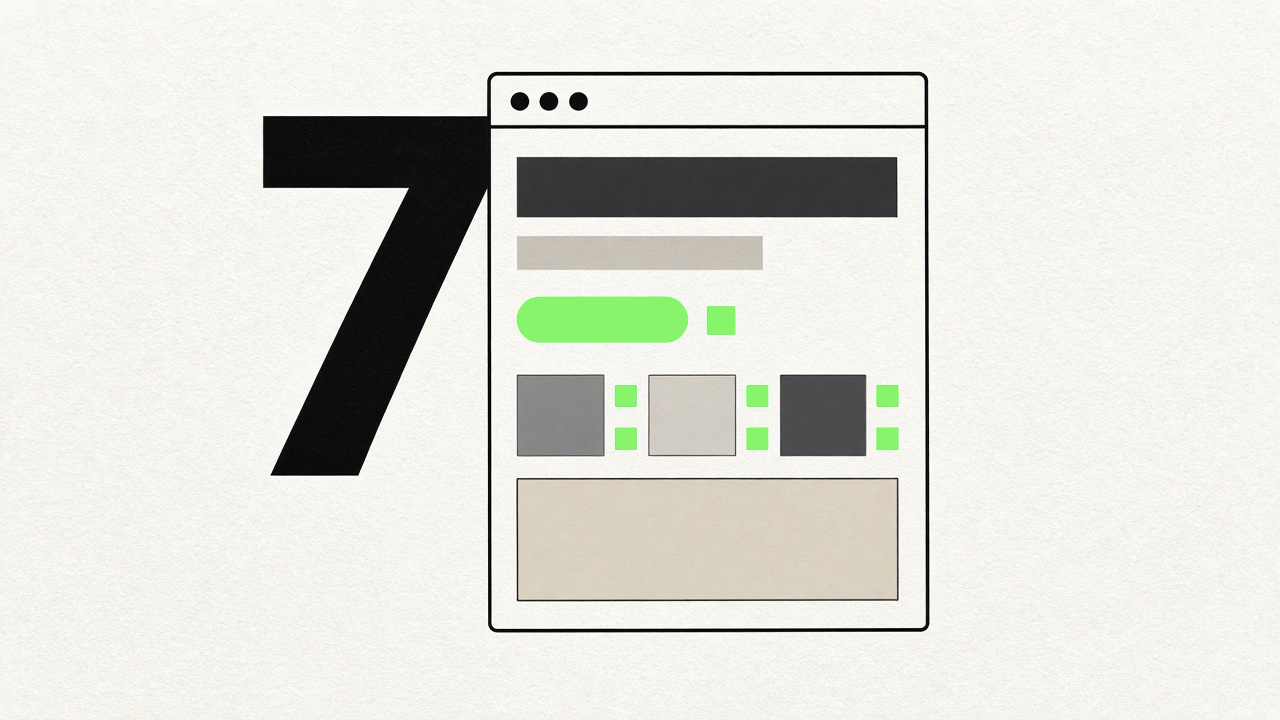
Most SaaS landing pages are assembled from the same dozen sections, and most templates sell you those sections in the same order. That is fine. Familiar structure is part of why a page is easy to read. The difference between a template that helps you sell and one that only looks finished is in a handful of decisions you can spot in the preview before you pay for anything.
None of the seven below are new ideas. They keep turning up on pages that work, and they are easy to check for.
1. The hero names the job
Read the headline in the template and ask what the product takes in and what it gives back. Turn invoices into a cash forecast. Get a summary of every support ticket by Monday morning. If you can answer after one line, the layout was built around a real claim.
A lot of templates ship with a headline like "The platform for modern teams" in 72pt type. Placeholder copy is expected, but look at how much room the hero leaves for it. A hero designed around a three-word slogan will break when you paste in a sentence that actually describes your product, and you will end up rewriting the copy to fit the design.
Look for a headline slot that comfortably holds ten to fourteen words, with a subline under it and room for a screenshot or an output example beside them.
2. Proof sits next to the claim it supports
Customer logos in a grey strip halfway down the page do some work. A short quote from a named customer placed directly under the feature it talks about does more, because the reader meets the evidence at the moment they are deciding whether to believe you.
You may not have any of this yet. Plenty of early products do not, and inventing it is worse than leaving it out. What to check in a template is whether the layout lets you add proof in context later: a quote block you can drop under a feature, a logo row that still looks deliberate with four logos instead of twelve, a case study card that works without a headshot.
If the only place a template puts social proof is one big testimonial carousel, you will have a hard time moving it next to anything.
3. A sticky CTA and a short nav
Count the links in the header. Product, Pricing, Docs, Log in, and a primary button is plenty. Every extra item is somewhere for a visitor to wander off to before they have understood what you sell.
The primary button should stay reachable as people scroll, either in a sticky header or a slim bar that appears after the hero. Check it on mobile too, where a sticky header that takes a quarter of the screen is worse than no sticky header.
There should be one primary action across the whole page, styled the same way every time it appears. If the template gives you "Start free", "Get started", "Try it now" and "Sign up" in four different button styles, you are going to spend an afternoon making them agree.
4. One demo beats a feature grid
The three-by-three grid of icon cards is easy to fill and easy to skim past. When nine features get equal weight, the reader cannot tell which one matters.
What works better is one moment where the product does its job in front of the visitor. That can be an embedded interactive demo, a short screen recording of a real session, or a scroll-driven section where the UI assembles itself as you move down the page. We covered this in more detail in our post on AI landing pages, and it applies to SaaS in general.
When you evaluate a template, look for a section built to hold a video or a large live element, with enough width to be readable. A feature grid can still sit underneath it as a reference list for the people who want one.
5. Pricing without a click
If anyone can sign up with a card, the price belongs on the landing page, or at least a short summary of it with a link to the full table. A price you have to hunt for reads as a high one, or a complicated one.
Usage-based pricing is harder to show, which is why a worked example helps: what a typical customer pays in a typical month, with the assumptions written out. That fits in a small card and answers the question most people scroll down to ask.
In a template, check that the pricing section handles your real situation. Two tiers or four, a monthly and yearly toggle, a "Contact us" column for the enterprise plan. If the pricing block only looks right with exactly three tiers, the designer only ever tried it with three.
6. Real UI over flat screenshots
This one is about how you buy the template as much as how the page sells. A static marketing shot of a landing page tells you very little: it hides the responsive layout, the hover states, how the page performs and whether the animations stutter.
Open the live preview and use it properly. Resize the window down to phone width. Tab through the page with the keyboard. Scroll quickly and watch for layout jumps. Open the page on an ordinary Android phone over mobile data, which is closer to what your visitors use than your laptop is.
The same thinking applies inside the template. Product sections that use real, cropped UI, even placeholder UI, read as more credible than a floating device mockup at a jaunty angle.
7. One accent and disciplined type
The templates that age well tend to use one accent colour and use it sparingly: primary buttons, the occasional highlight, perhaps one illustration. Everything else is neutrals, and the hierarchy comes from type size and weight.
Dark or light both work, as long as the choice is deliberate and you stick to it. A dark page with one bright accent reads as confident. A dark page with three gradients, a glow behind the hero and a second accent for links reads as a page that could not decide.
Check the type scale too. Two typefaces at most, a clear jump between heading and body sizes, and body text that is comfortable to read at 16px or larger. If the template's style guide lists eleven heading sizes, you will use four of them and wonder about the rest.
Before you buy
Open the preview, read the hero out loud, find the price, and look at it on your phone. Most of the seven come down to whether the person who designed the page was thinking about a visitor or about a Dribbble shot.
Our SaaS templates are laid out with these patterns in mind, and each template page has a live preview you can poke at before paying. If you want the lot, the All-Access Pass is $99 once and includes future templates, with nothing to renew.